Bathroom keypad locks for a business restroom.
Your keypad isn't out of control. Your code is.
This guide covers what to look for in a keypad for a customer restroom, when and how to change the code, and how to let a sign hand it out.
Have a key lock? You'll need a keypad first. Any brand works.
What to look for in a commercial keypad lock
Four things to know before you buy one for a customer restroom.
Any brand works.
LooiQ hands out the code you set. Nothing connects LooiQ to the lock itself, so a plain keypad with no wifi works.
Any code of 4 to 8 characters.
Numbers, letters or symbols. If your keypad needs # or Enter after the code, guests see that too.
A code you can change yourself.
You'll change it now and then, on the keypad and in LooiQ. Check how the keypad sets a new code before you buy.
Hardware that works with one hand.
The 2010 ADA Standards call for door handles and locks that work with one hand, without tight grasping, pinching or twisting of the wrist, and that sit 34 to 48 inches above the floor.
Source: 2010 ADA Standards for Accessible Design, 309.4 and 404.2.7
Code management is access management.
Here's how to change the code, and when.
1.Pick a new code. Any 4 to 8 characters, or let the dashboard make one up.
2.Set it on the keypad. Follow the steps in your keypad's manual. If it won't take the code, you'll know before guests get it.
3.Save the same code in LooiQ. Guests get the new code right away.
When to change it: the restroom's page in your dashboard shows when a new code is due: every 7 days, unless you pick a schedule from 1 to 90 days. If you find the code on a receipt, in a photo or online, change it right away.
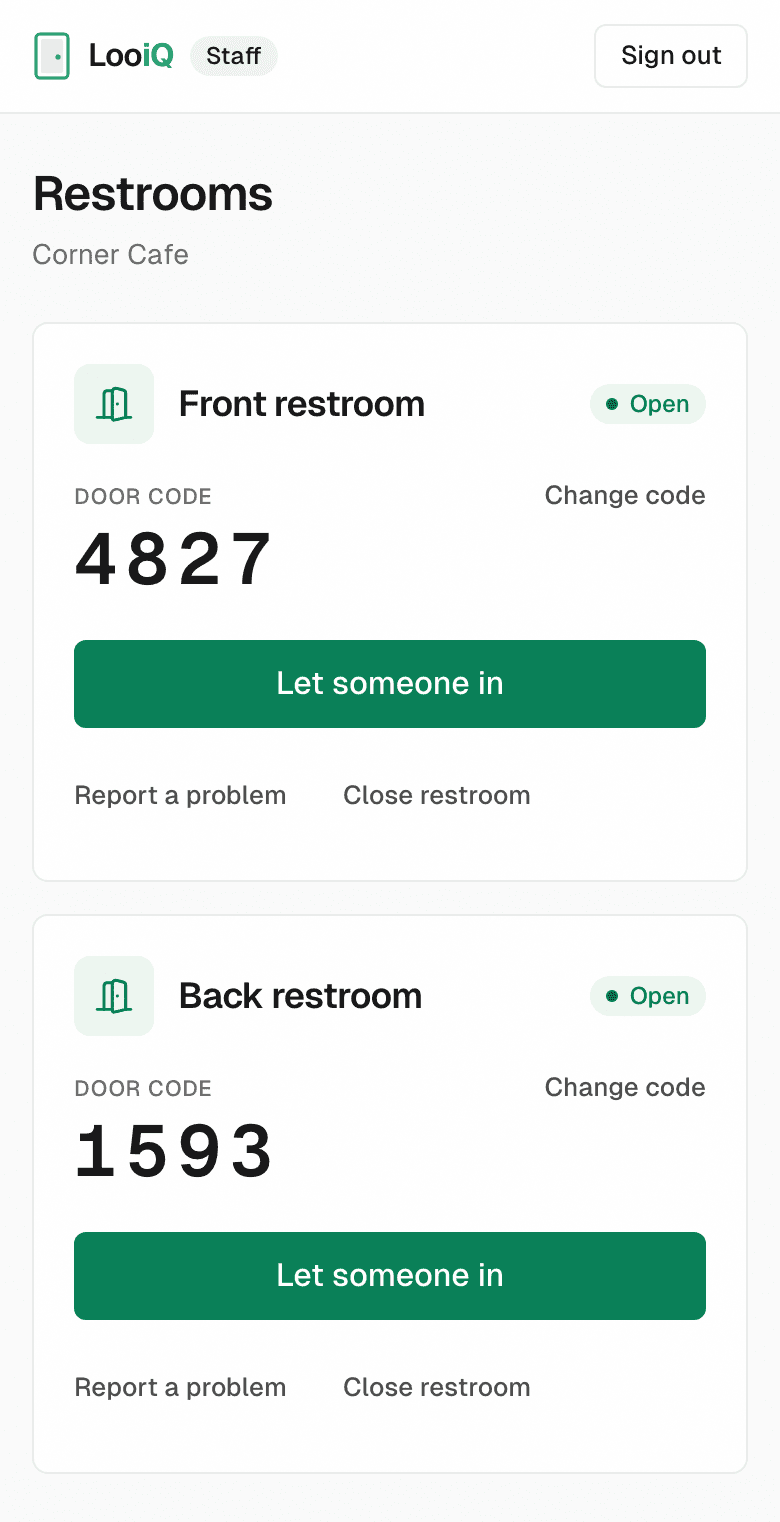
The real LooiQ staff panel, shown with a sample cafe.
Let the sign hand out the code.
With LooiQ, nobody at the counter has to say no. Good behavior keeps the door open, and when something goes wrong, there's a record, not a name.
- Customers scan the sign by your restroom.
- A phone number is all they give, kept only as an anonymous tag.
- They see the door code and type it on your keypad.
15 days free, up to 500 visits. No card needed.
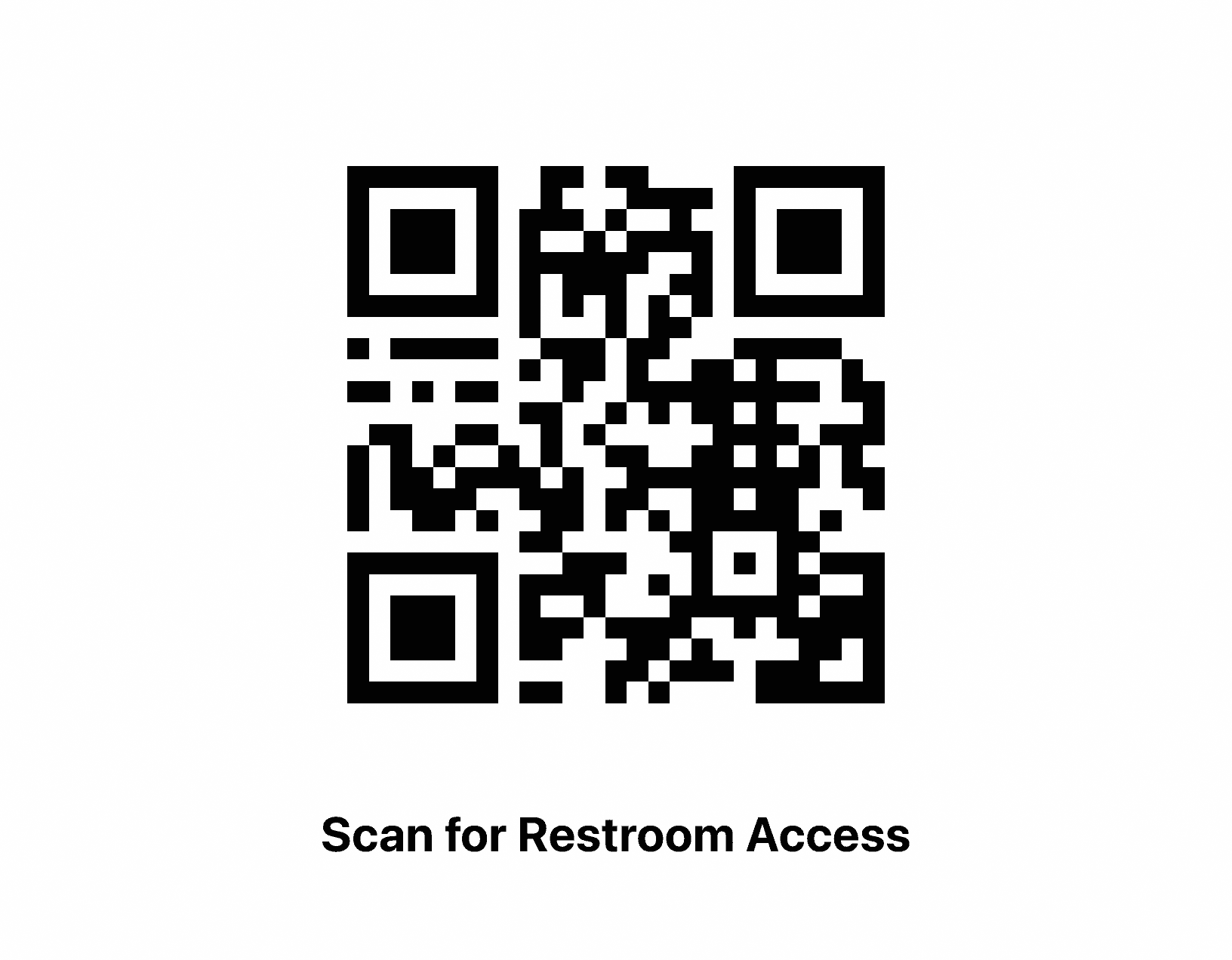
The sign LooiQ prints for each restroom.
Want house rules by the door too? Get the free bathroom rules sign.